
Steps to Use Find My iPhone via iCloud
-
Open a browser (on a computer, tablet, or another phone).
Go to iCloud.com/find. -
Sign in with your Apple ID and password (the same one used on your missing iPhone).
If you have two-factor authentication, you may need to enter the code from another trusted device.
-
Click “All Devices” at the top of the screen.
You’ll see a list of Apple devices linked to your Apple ID. -
Select your iPhone from the list.
-
If it’s online, you’ll see its location on a map.
-
If it’s offline, you’ll see the last known location (if available).
-
-
Choose an action:
-
Play Sound – Makes your iPhone ring, even if it’s on silent.
-
Lost Mode – Locks your device with a passcode and lets you display a message with your contact number on the screen.
-
Erase iPhone – Deletes all data on the device (only use if you can’t recover it).
-
If You Don’t Have Another Device
You can also use another Apple device (like an iPad or friend’s iPhone) with the Find My app. Just sign in with your Apple ID.
Important:
-
Find My iPhone must be enabled on your device before it was lost. (Settings → [Your Name] → Find My → Find My iPhone → On).
-
If it wasn’t enabled, you can’t track it with iCloud—but you should still change your Apple ID password and report the loss.
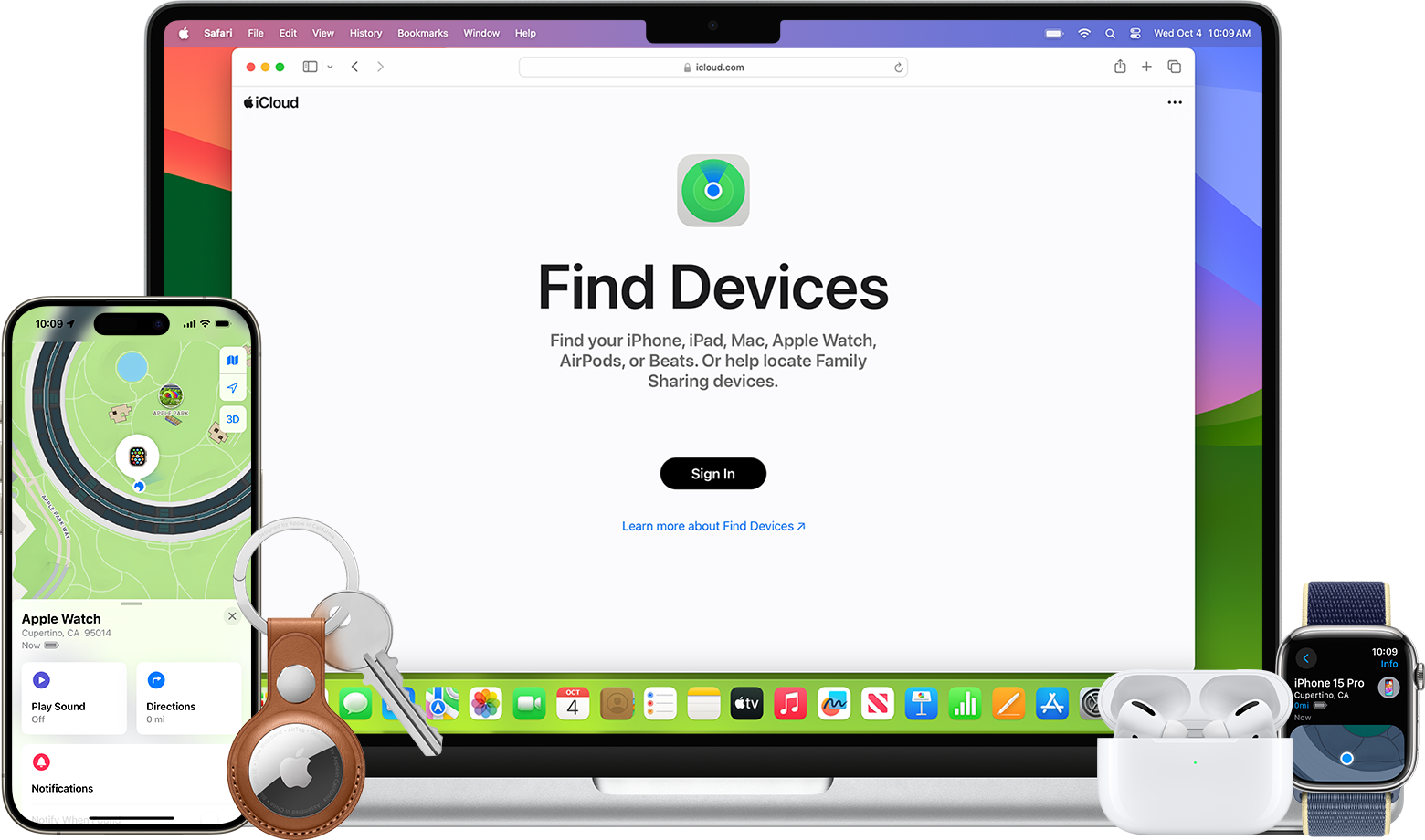
You can track your iPhone with iCloud’s Find My iPhone feature. Here’s a step-by-step guide:
Steps to Use Find My iPhone via iCloud
-
Open a browser (on a computer, tablet, or another phone).
Go to
Search Anything
Trending Now
Who Buyed Vijay TV Nowhow to refinance a mortgage in usa
How to cook chicken?
What Is Reason Behind Your Power
What is Amazon 10 Mins Service
Grand canyon Arizona
What are the records of Cristiano Ronaldo in YouTube
How to Clean Washing Machine
Ganesh Chaturthi Vinayaka Chaturthi
How to get citizenship in Dubai
Will TVK vijay party will join with NTK seeman party
How to cook fish?
Which DTH is best to Buy in india
How many days it will take zerodha to release fund of sold shares
Will AI replace Google
bmw z8 price in india
When was the World War I happened
What do you mean by BOT (Balance of Trade)
Which is the longest river in India
Hp i7 Processor Refurbished Laptop Price in india